--
:
--
:
--
配置鼠标样式
最后更新于:
配置鼠标样式
2025.2.15(已解决)
环境
自己开源的 《vuepress-theme-vdoing-one-public》网站模板。
此模板是在Young Kbt blog的开源项目《Kele-Bingtang.github.io》基础上修改为自己的风格而成,感谢大佬开源的模板&感谢原作者开源的vdoing主题。❤️❤️
版权
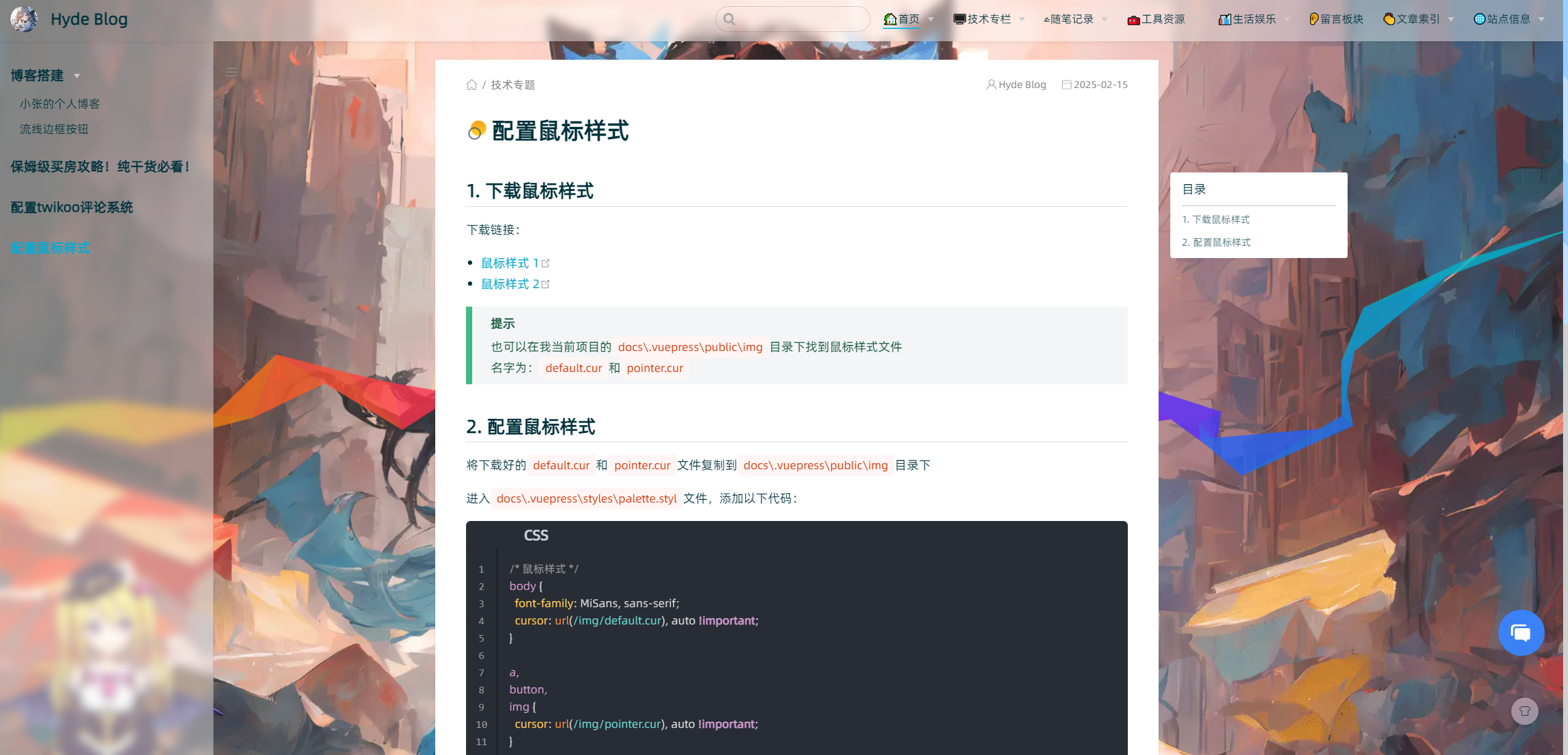
次配置来源于《Hyde Blog》大佬贡献的代码,原文为《配置鼠标样式》十分感谢。
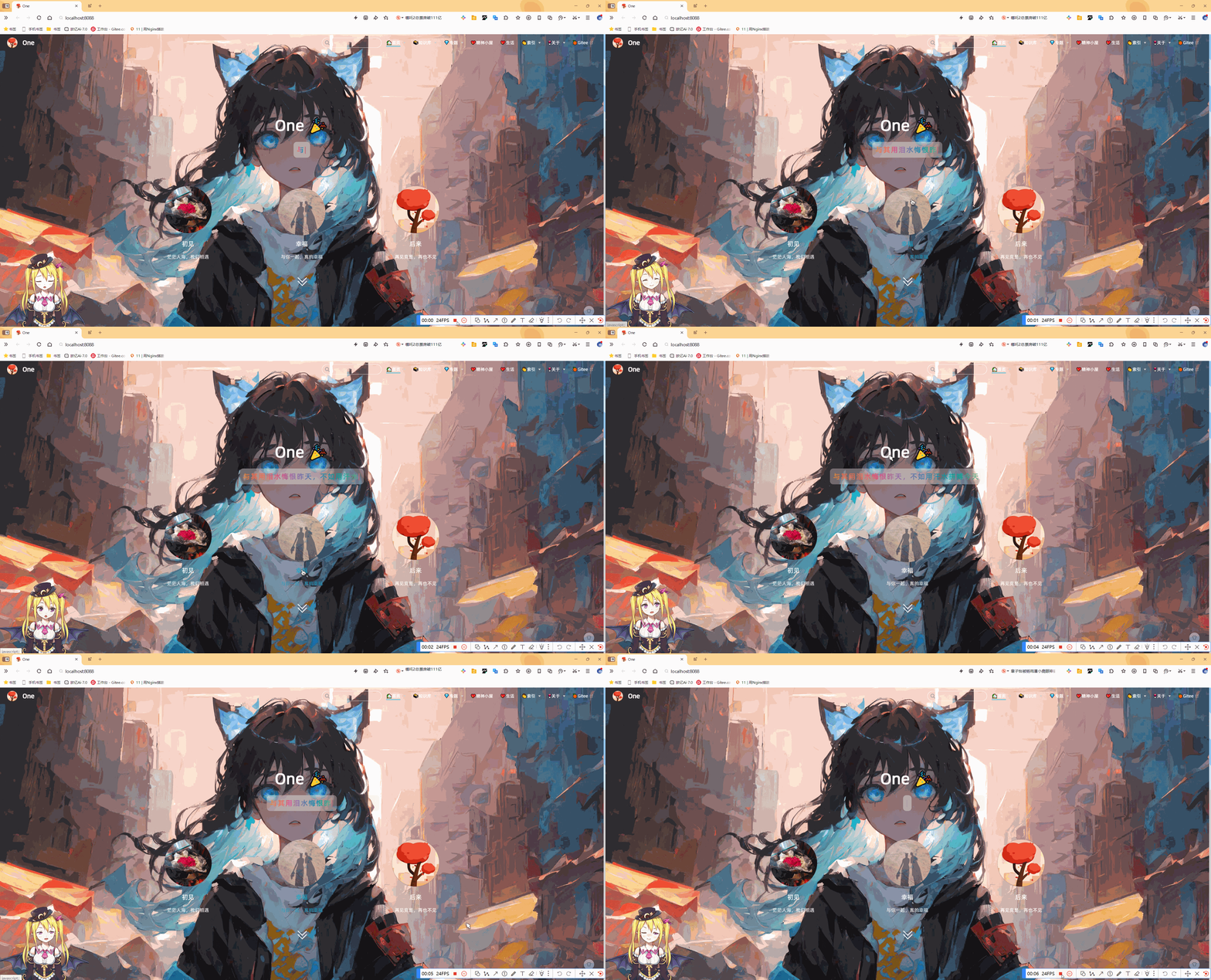
效果
配置
- 下载鼠标样式
下载链接:
提示
也可以在我当前项目的docs\.vuepress\public\img目录下找到鼠标样式文件
名字为:default.cur和pointer.cur
- 配置鼠标样式
将下载好的default.cur和pointer.cur文件复制到docs\.vuepress\public\img目录下
进入docs\.vuepress\styles\palette.styl文件,添加以下代码:
 1/* 鼠标样式 */
 2body {
 3  font-family: MiSans, sans-serif;
 4  cursor: url(/img/default.cur), auto !important;
 5}
 6
 7a,
 8button,
 9img {
10  cursor: url(/img/pointer.cur), auto !important;
11}
📡
推荐使用微信支付

推荐使用支付宝