--
:
--
:
--
cfgssl
最后更新于:
实战:利用cfgssl自签证书-2023.1.5(测试成功)
目录
[toc]
实验环境
1linux机器
实验软件
链接:https://pan.baidu.com/s/13nee2xk30Y8-z9TdpuZOuA?pwd=9zzp
提取码:9zzp
12023.1.5-cfgssl软件包

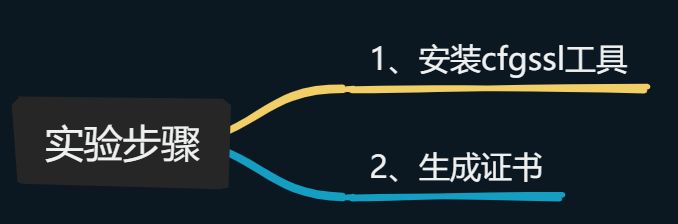
1、安装cfgssl工具
- 将cfssl工具安装包和脚本上传到服务器:
1[root@k8s-master1 ~]#ls -lh cfssl.tar.gz
2-rw-r--r-- 1 root root 5.6M Nov 25  2019 cfssl.tar.gz
3-rw-r--r-- 1 root root 1005 Mar 26  2021 certs.sh
4[root@k8s-master1 ~]#tar tvf cfssl.tar.gz
5-rwxr-xr-x root/root  10376657 2019-11-25 06:36 cfssl
6-rwxr-xr-x root/root   6595195 2019-11-25 06:36 cfssl-certinfo
7-rwxr-xr-x root/root   2277873 2019-11-25 06:36 cfssljson
8[root@k8s-master1 ~]#tar xf cfssl.tar.gz -C /usr/bin/
- 验证:
 1[root@k8s-master1 ~]#cfssl --help
 2Usage:
 3Available commands:
 4        bundle
 5        certinfo
 6        ocspsign
 7        selfsign
 8        scan
 9        print-defaults
10        sign
11        gencert
12        ocspdump
13        version
14        genkey
15        gencrl
16        ocsprefresh
17        info
18        serve
19        ocspserve
20        revoke
21Top-level flags:
22  -allow_verification_with_non_compliant_keys
23        Allow a SignatureVerifier to use keys which are technically non-compliant with RFC6962.
24  -loglevel int
25        Log level (0 = DEBUG, 5 = FATAL) (default 1)
2、生成证书
- 创建测试目录:
1[root@k8s-master1 ~]#mkdir https
2[root@k8s-master1 ~]#cd https/
- 将证书生成脚本移动到刚才创建的目录
 1[root@k8s-master1 ~]#mv certs.sh https/
 2[root@k8s-master1 ~]#ls https/
 3certs.sh
 4
 5[root@k8s-master1 ~]#cd https/
 6[root@k8s-master1 https]#cat certs.sh
 7cat > ca-config.json <<EOF
 8{
 9  "signing": {
10    "default": {
11      "expiry": "87600h"
12    },
13    "profiles": {
14      "kubernetes": {
15         "expiry": "87600h",
16         "usages": [
17            "signing",
18            "key encipherment",
19            "server auth",
20            "client auth"
21        ]
22      }
23    }
24  }
25}
26EOF
27
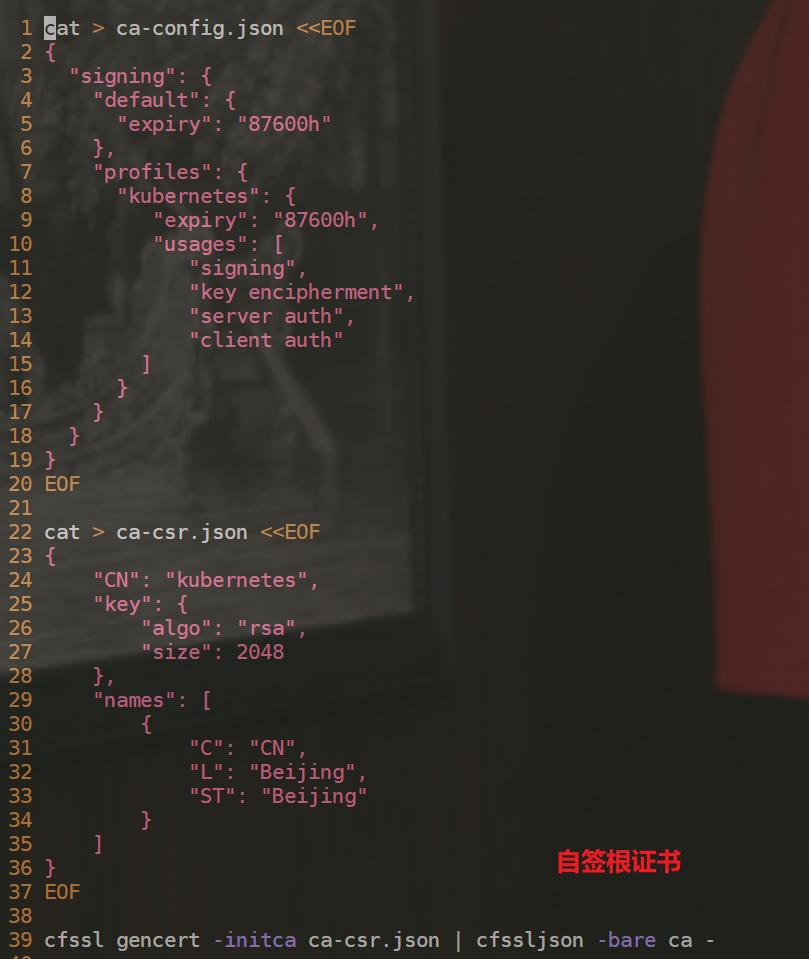
28cat > ca-csr.json <<EOF
29{
30    "CN": "kubernetes",
31    "key": {
32        "algo": "rsa",
33        "size": 2048
34    },
35    "names": [
36        {
37            "C": "CN",
38            "L": "Beijing",
39            "ST": "Beijing"
40        }
41    ]
42}
43EOF
44
45cfssl gencert -initca ca-csr.json | cfssljson -bare ca -
46
47
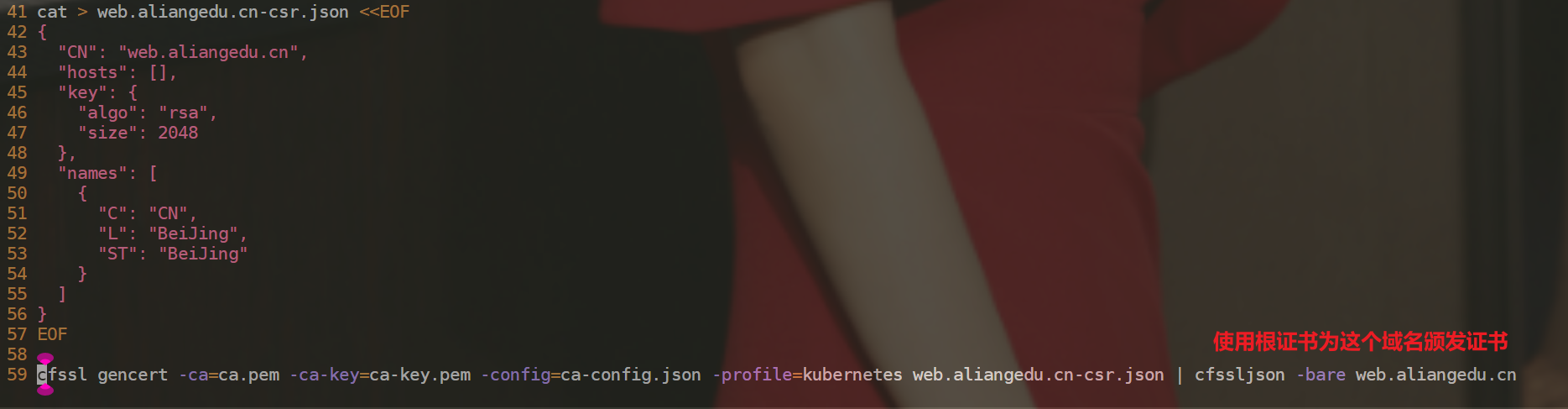
48cat > web.aliangedu.cn-csr.json <<EOF
49{
50  "CN": "web.aliangedu.cn",
51  "hosts": [],
52  "key": {
53    "algo": "rsa",
54    "size": 2048
55  },
56  "names": [
57    {
58      "C": "CN",
59      "L": "BeiJing",
60      "ST": "BeiJing"
61    }
62  ]
63}
64EOF
65
66cfssl gencert -ca=ca.pem -ca-key=ca-key.pem -config=ca-config.json -profile=kubernetes web.aliangedu.cn-csr.json | cfssljson -bare web.aliangedu.cn
备注:
- 执行脚本,生成证书:
 1[root@k8s-master1 https]#sh certs.sh
 22022/11/27 09:38:30 [INFO] generating a new CA key and certificate from CSR
 32022/11/27 09:38:30 [INFO] generate received request
 42022/11/27 09:38:30 [INFO] received CSR
 52022/11/27 09:38:30 [INFO] generating key: rsa-2048
 62022/11/27 09:38:30 [INFO] encoded CSR
 72022/11/27 09:38:30 [INFO] signed certificate with serial number 42920572197673510025121729381310395494775886689
 82022/11/27 09:38:30 [INFO] generate received request
 92022/11/27 09:38:30 [INFO] received CSR
102022/11/27 09:38:30 [INFO] generating key: rsa-2048
112022/11/27 09:38:30 [INFO] encoded CSR
122022/11/27 09:38:30 [INFO] signed certificate with serial number 265650157446309871110524021899155707215940024732
132022/11/27 09:38:30 [WARNING] This certificate lacks a "hosts" field. This makes it unsuitable for
14websites. For more information see the Baseline Requirements for the Issuance and Management
15of Publicly-Trusted Certificates, v.1.1.6, from the CA/Browser Forum (https://cabforum.org);
16specifically, section 10.2.3 ("Information Requirements").
17
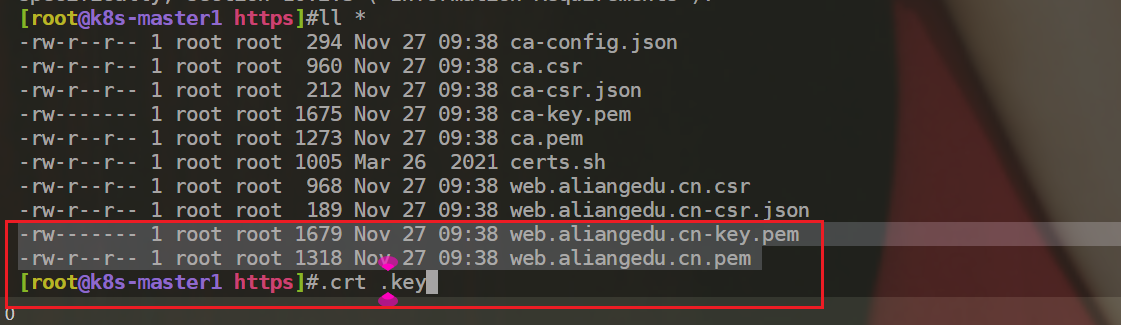
18[root@k8s-master1 https]#ll *
19-rw-r--r-- 1 root root  294 Nov 27 09:38 ca-config.json
20-rw-r--r-- 1 root root  960 Nov 27 09:38 ca.csr
21-rw-r--r-- 1 root root  212 Nov 27 09:38 ca-csr.json
22-rw------- 1 root root 1675 Nov 27 09:38 ca-key.pem
23-rw-r--r-- 1 root root 1273 Nov 27 09:38 ca.pem
24
25-rw-r--r-- 1 root root 1005 Mar 26  2021 certs.sh
26
27-rw-r--r-- 1 root root  968 Nov 27 09:38 web.aliangedu.cn.csr
28-rw-r--r-- 1 root root  189 Nov 27 09:38 web.aliangedu.cn-csr.json
29-rw------- 1 root root 1679 Nov 27 09:38 web.aliangedu.cn-key.pem #数字证书私钥
30-rw-r--r-- 1 root root 1318 Nov 27 09:38 web.aliangedu.cn.pem #数字证书
31[root@k8s-master1 https]#
- 注意:这个后缀不一样,
.crt,.key。
参考文章
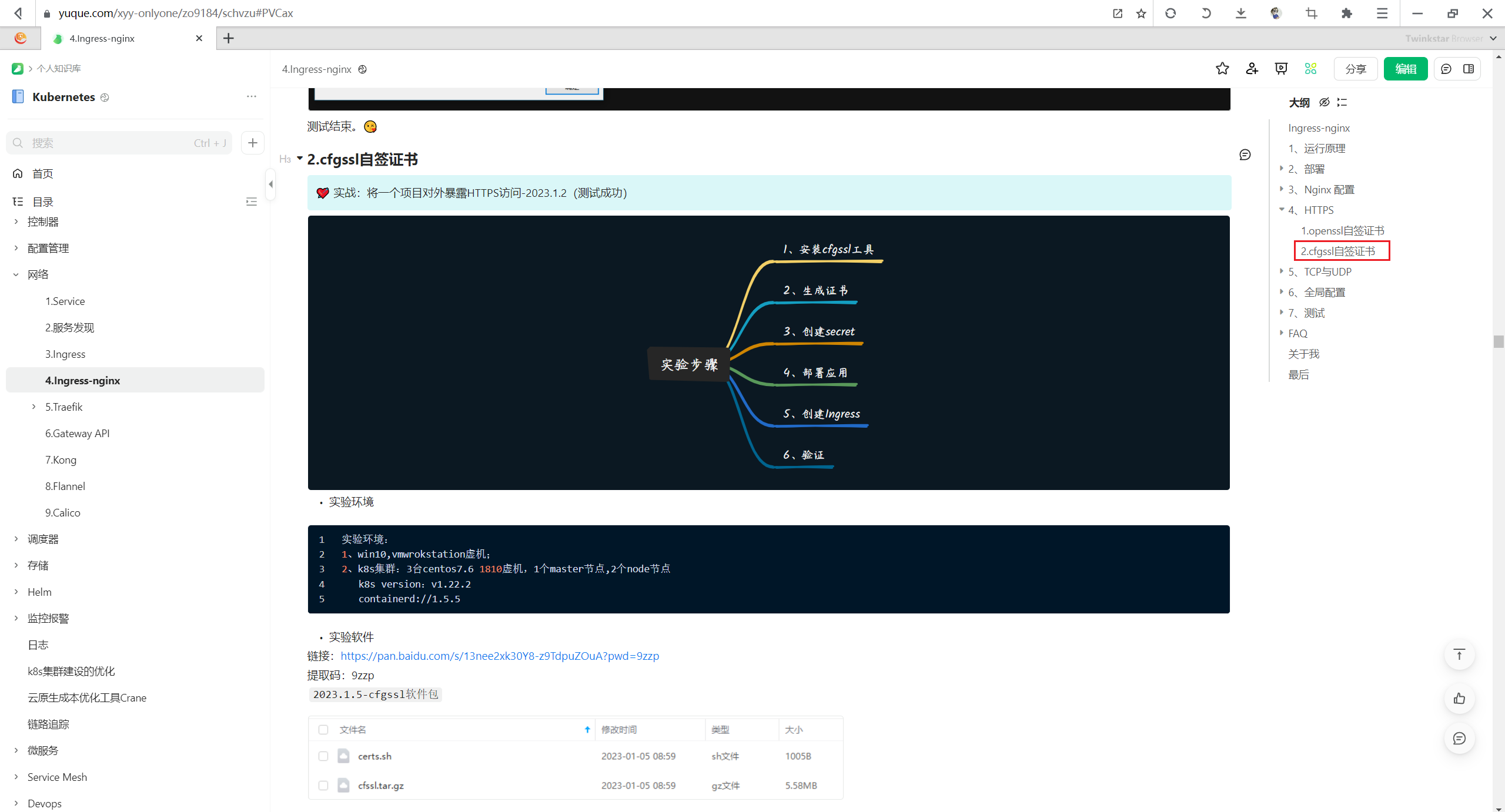
参考1:
此处为语雀内容卡片,点击链接查看:https://www.yuque.com/xyy-onlyone/zo9184/schvzu
参考2:
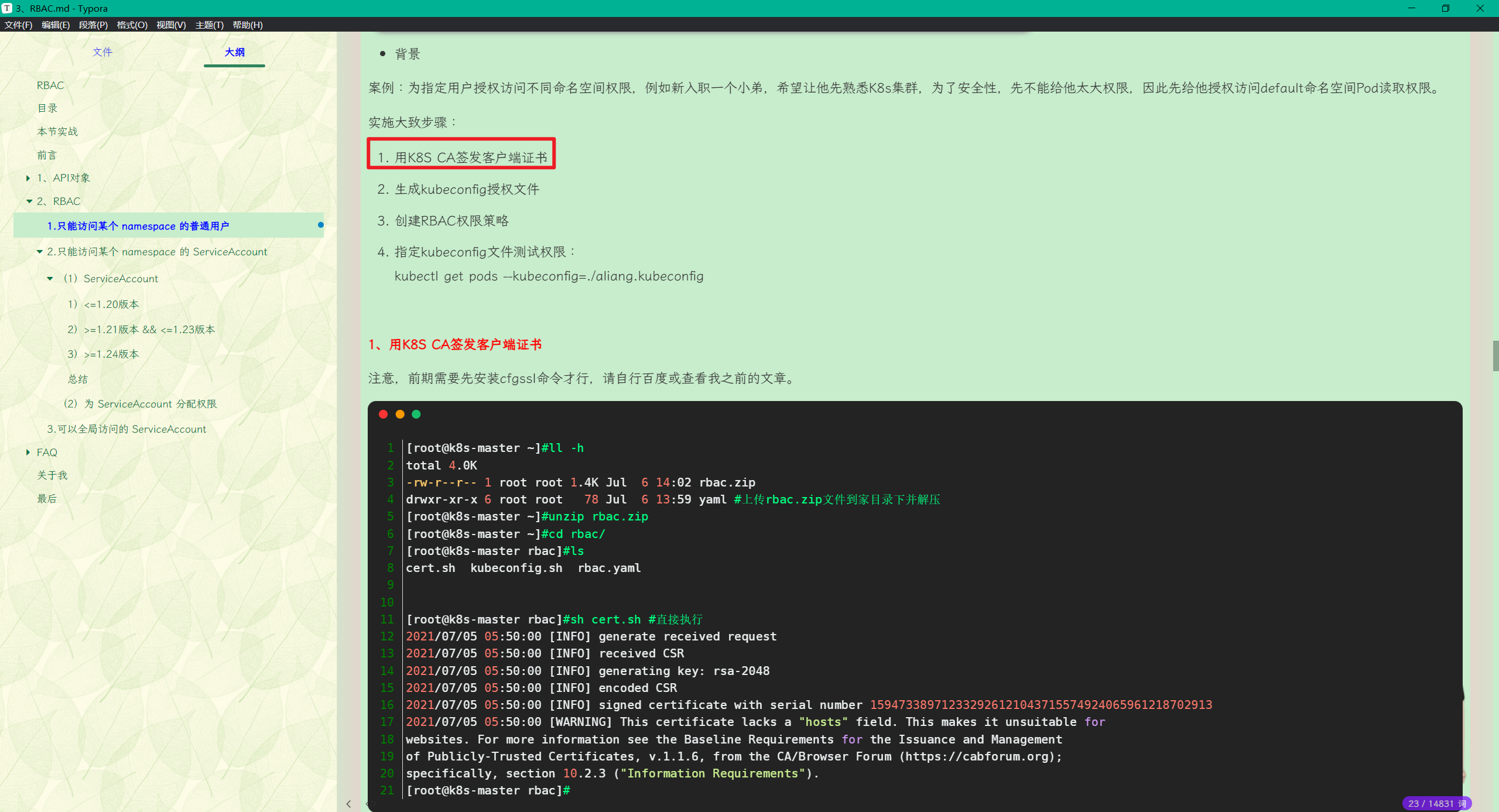
具体路径:
13、RBAC
2实战2:只能访问某个 namespace 的普通用户-2023.2.6(测试成功)(cfgssl)
关于我
我的博客主旨:
- 排版美观,语言精炼;
- 文档即手册,步骤明细,拒绝埋坑,提供源码;
- 本人实战文档都是亲测成功的,各位小伙伴在实际操作过程中如有什么疑问,可随时联系本人帮您解决问题,让我们一起进步!
🍀 微信二维码
x2675263825 (舍得), qq:2675263825。

🍀 微信公众号
《云原生架构师实战》

🍀 语雀
https://www.yuque.com/xyy-onlyone
https://www.yuque.com/xyy-onlyone/exkgza?# 《语雀博客》
🍀 博客
🍀 csdn
https://blog.csdn.net/weixin_39246554?spm=1010.2135.3001.5421
🍀 知乎
https://www.zhihu.com/people/foryouone
最后
好了,关于本次就到这里了,感谢大家阅读,最后祝大家生活快乐,每天都过的有意义哦,我们下期见!

📡
推荐使用微信支付
推荐使用支付宝