--
:
--
:
--
hugo简介
最后更新于:
hugo简介

官网
优点
当前的静态网站生成工具对环境依赖过多,性能较差,于是使用 Go 语言写了一个静态网站生成器 Hugo。不仅解决了环境依赖、性能较差的问题,还有使用简单、部署方便等诸多优点,通过 LiveReload 实时刷新,极大的优化文章的写作体验。
hugo自带permalink和自动侧边栏,构建还快

Hugo跟Wordpress和Hexo对比
🍀 hugo跟wordpress其他建站工具的对比
- wordpress 全球31%的网站使用wordpress,尽管他有各种主题和插件,但是也有非常多的缺点,安全性,seo不够友好,定制麻烦
- hugo hexo最快的静态生成工具,seo友好,静态更安全,方便定制模板,缺点没有插件,如果要定制模板只能懂一点go的语法
- wordpress是动态的并且还需要托管数据库,所以托管费用比较昂贵
- hugo hexo是生成静态的页面,在本地生成后上传到服务器就可以了,托管费用非常便宜,可以直接用免费的github托管
- 国外网站技术对比 https://stackshare.io/stackups/hugo-vs-wordpress
🍀 wordpress vs hugo vs hexo
| 工具 | 静态/动态 | 托管 | 安全性 | 访问速度 | 在线编辑 | markdown |
|---|---|---|---|---|---|---|
| wordpress | 动态 | 复杂 | 需要经常升级 | 快 | 可以 | 插件支持 |
| hugo | 静态 | 简单 | 非常安全 | 非常快 | 不可以 | 支持 |
| hexo | 静态 | 简单 | 非常安全 | 快 | 不可以 | 支持 |
| 工具 | 编程语言 | seo支持 | 插件 | 主题 | 页面生成速度 | 安装和使用 | 生态 |
|---|---|---|---|---|---|---|---|
| wordpress | PHP | 不友好 | 支持 | 非常多 | 不支持 | 复杂 | |
| hugo | Go | 友好 | 不支持 | 多 | 非常快 | 简单 | 生态会好些 |
| hexo | nodejs | 友好 | 很多 | 非常多 | 快(当文件很多,就特别慢了) | 稍微复杂 |
主题
官网主题
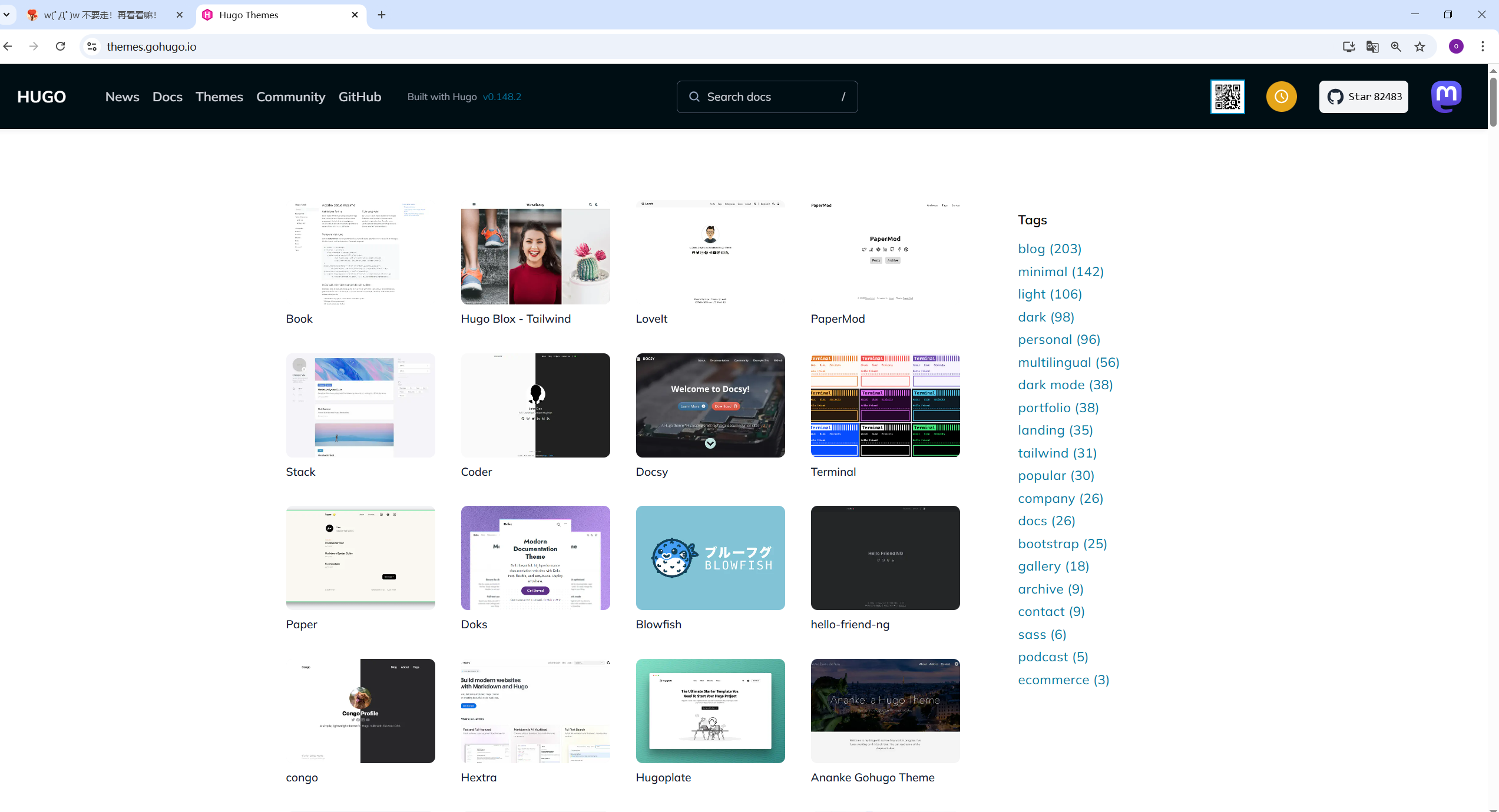
FixIt
文章链接:https://zhuanlan.zhihu.com/p/567278446 《分享一个简洁、优雅且高效的 Hugo 博客主题 - FixIt》
域名体验:https://fixit.lruihao.cn/zh-cn/

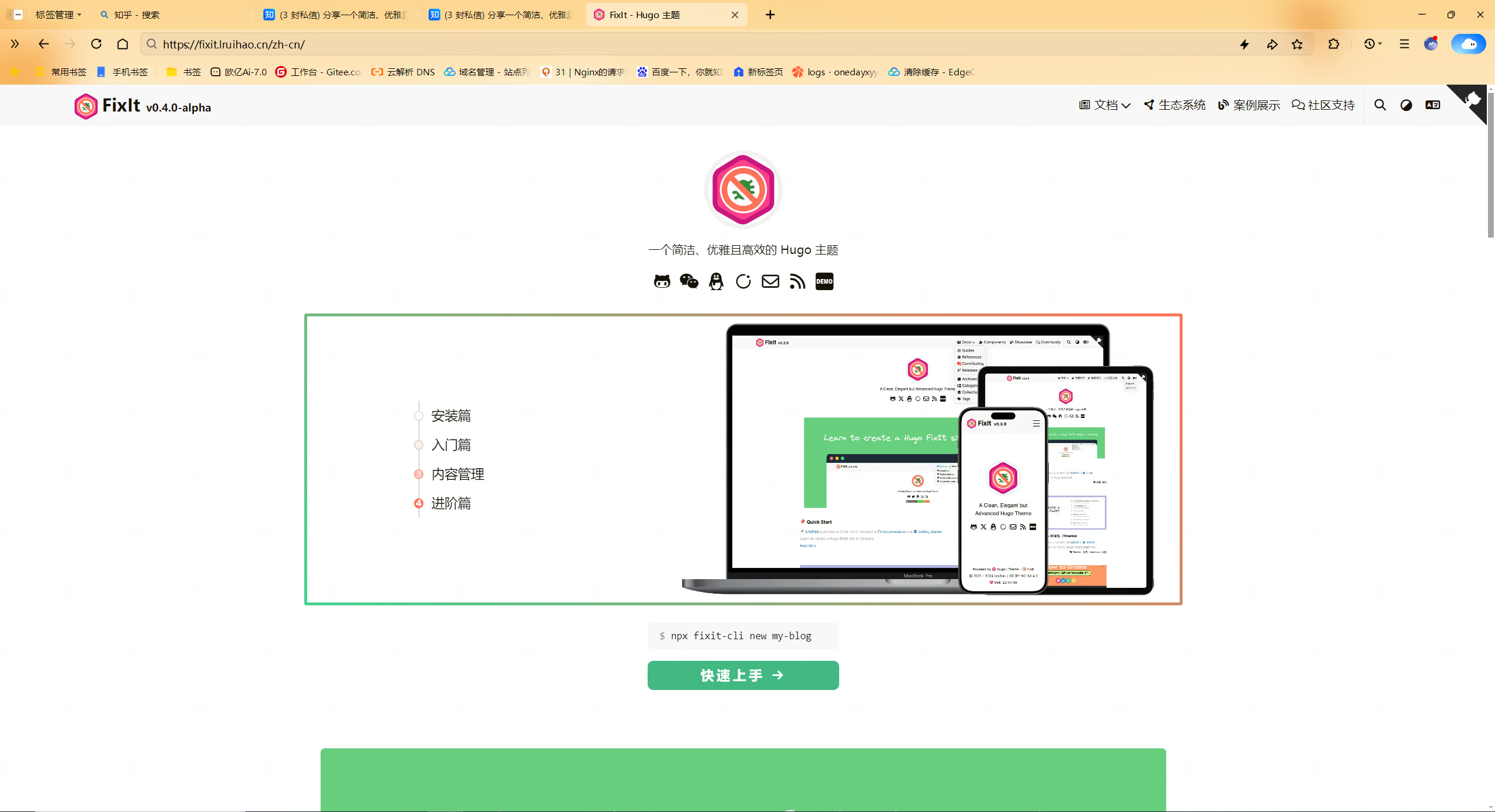
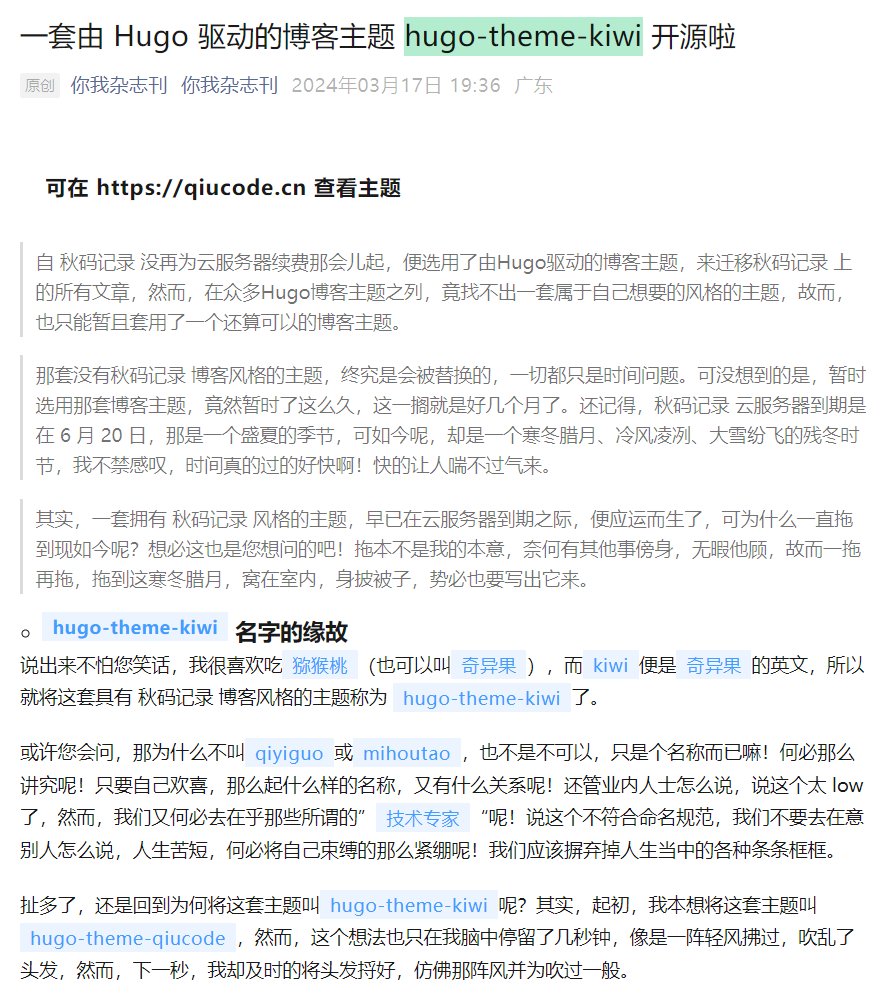
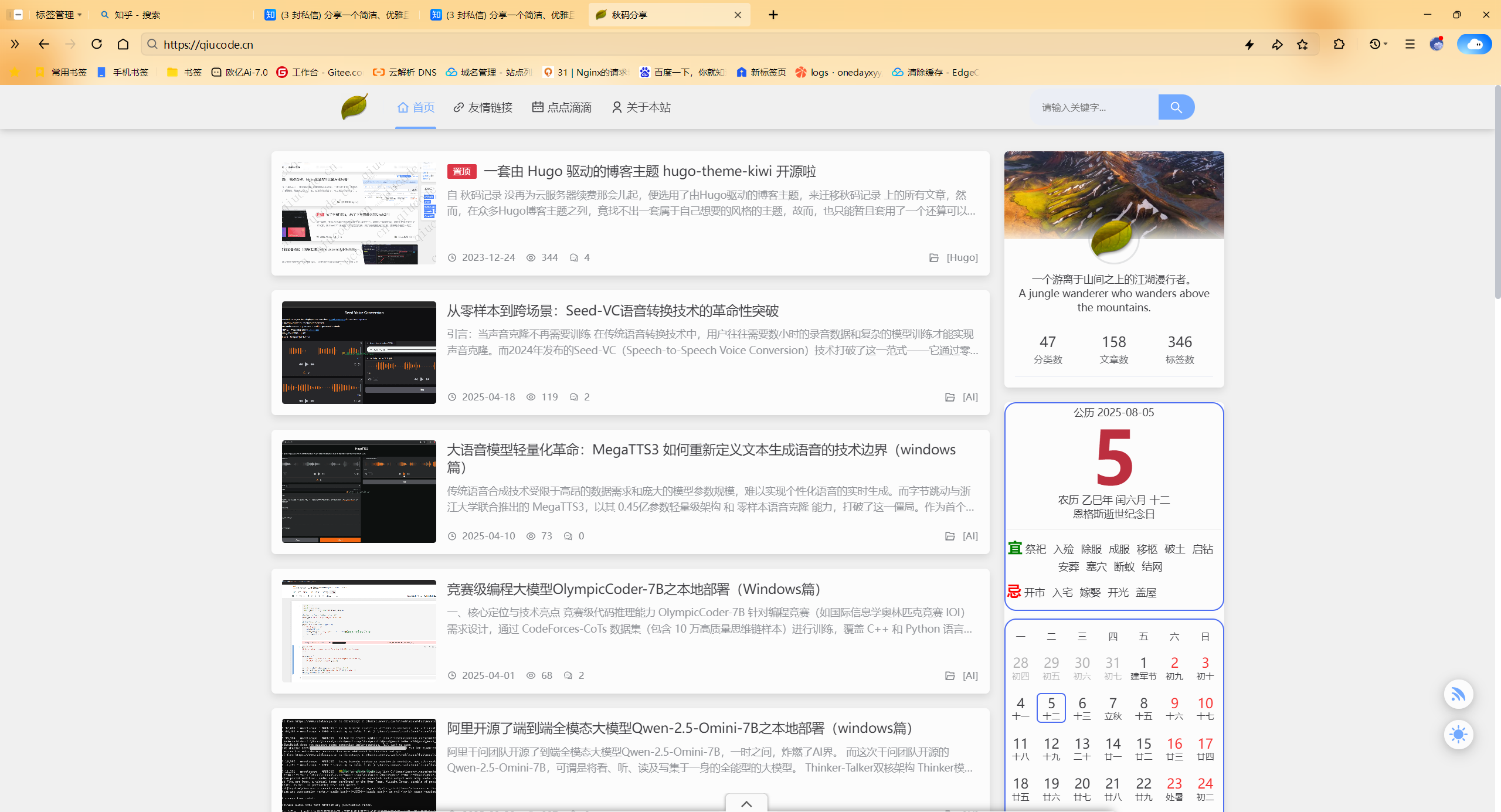
hugo-theme-kiwi
文章链接:https://mp.weixin.qq.com/s/wYdY_dBR-tA81Z7AAurLNQ 《一套由 Hugo 驱动的博客主题 hugo-theme-kiwi 开源啦》
域名体验:https://qiucode.cn/
hugo-theme-diaspora-master
2022年5月7日21:21:42

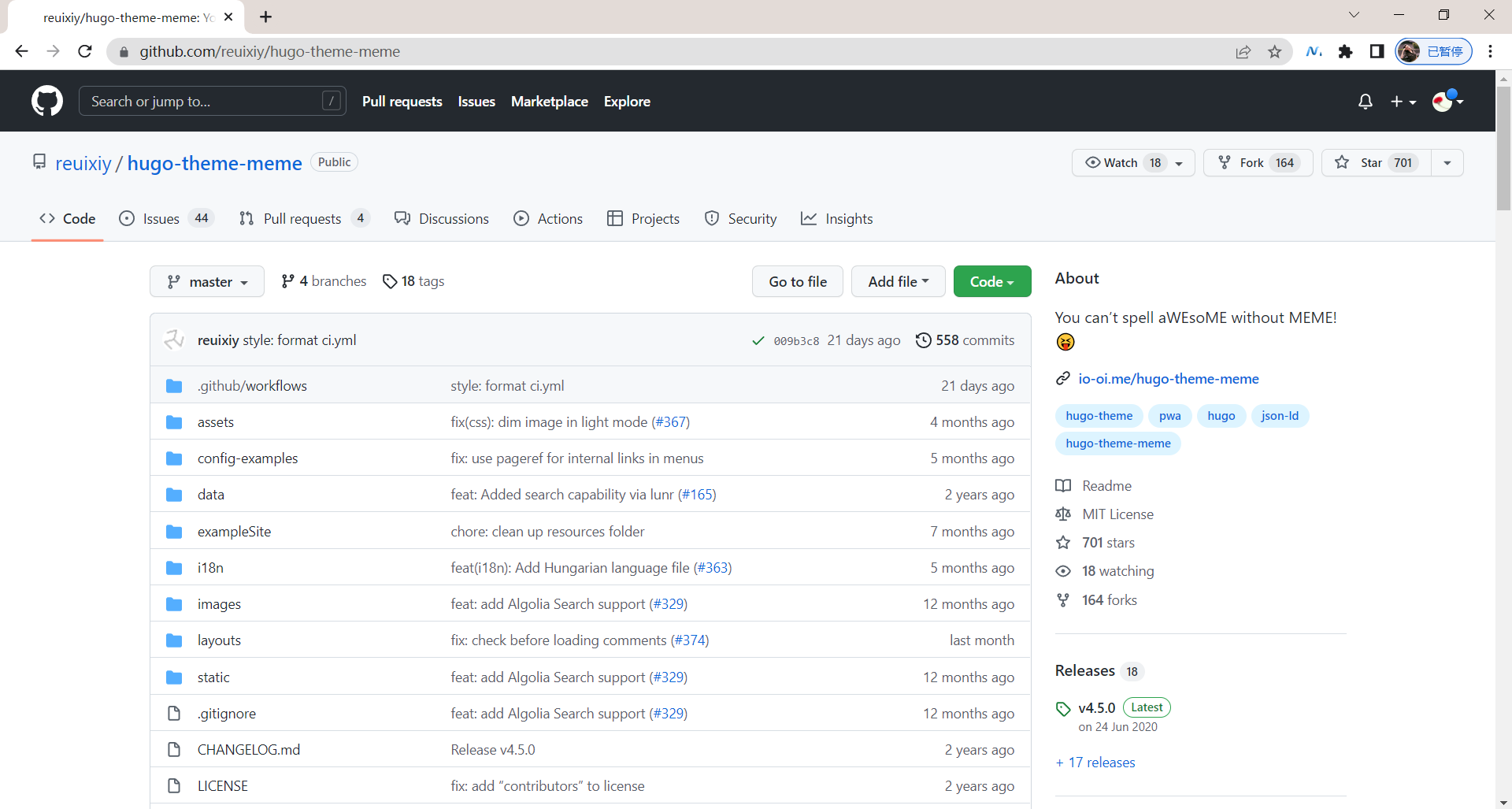
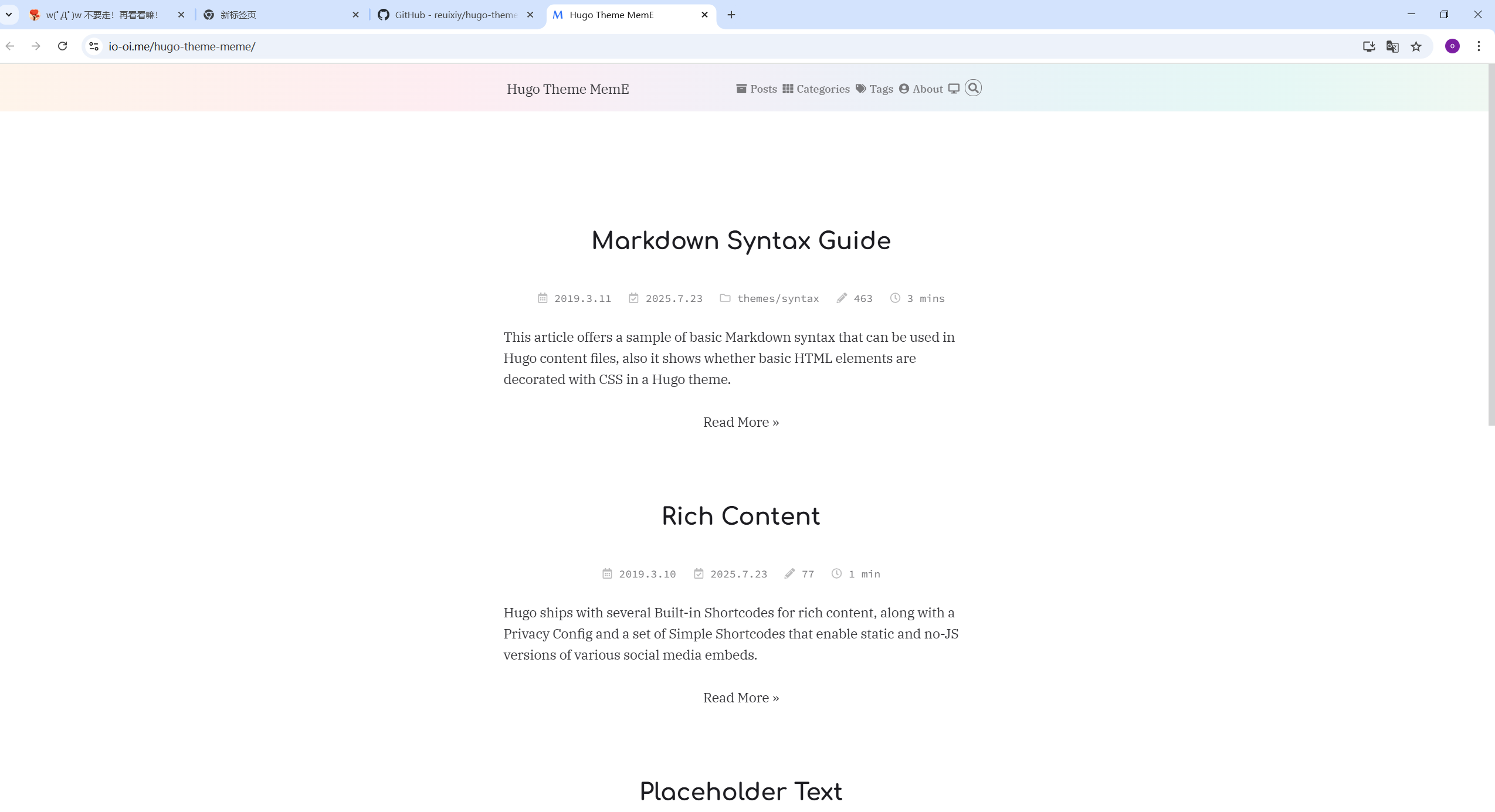
hugo-theme-meme
下载地址 https://github.com/reuixiy/hugo-theme-meme
相册类型主题
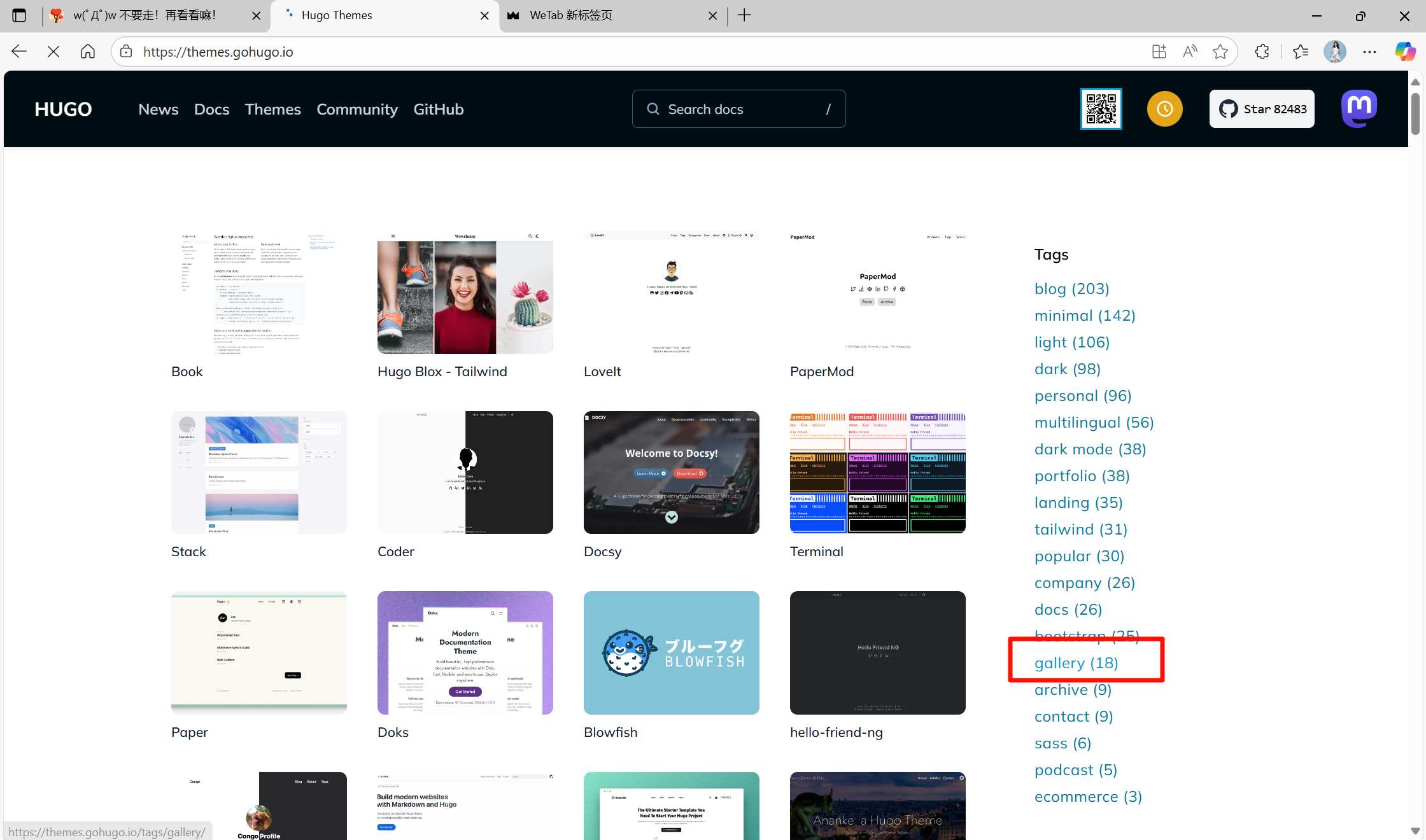
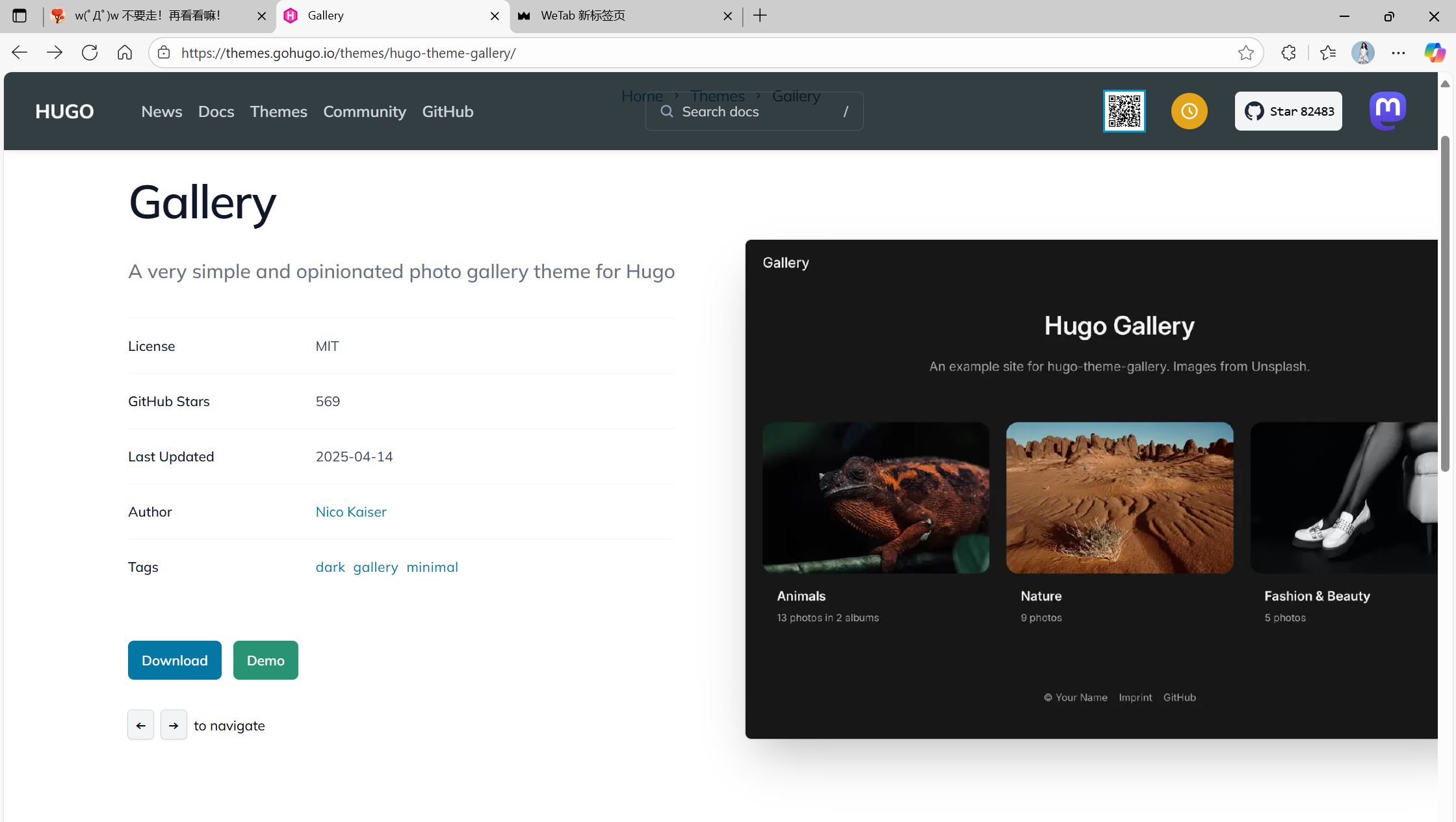
Gallery
https://themes.gohugo.io/themes/hugo-theme-gallery/
Gallery Deluxe
https://themes.gohugo.io/themes/gallerydeluxe/

网站案例
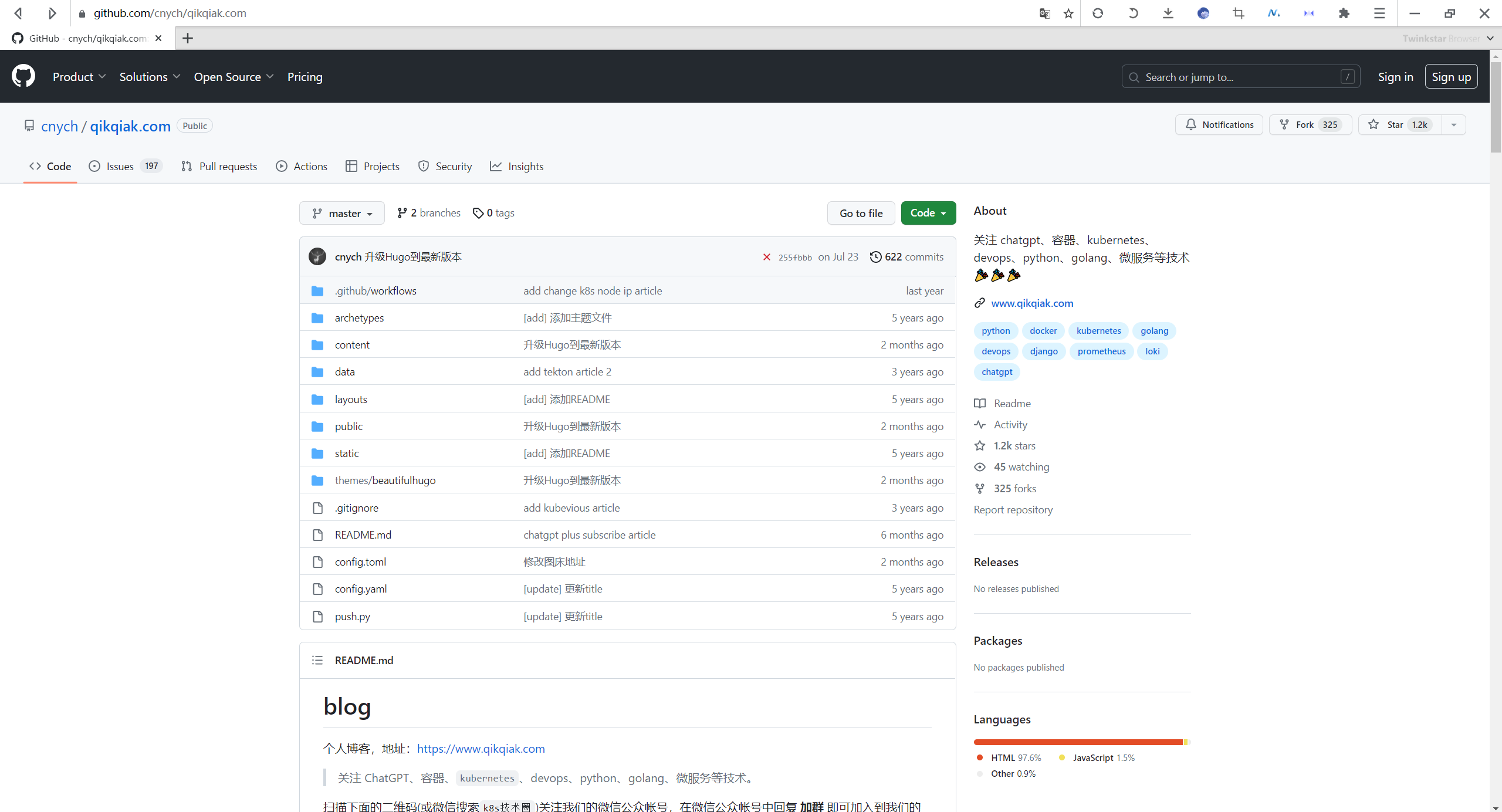
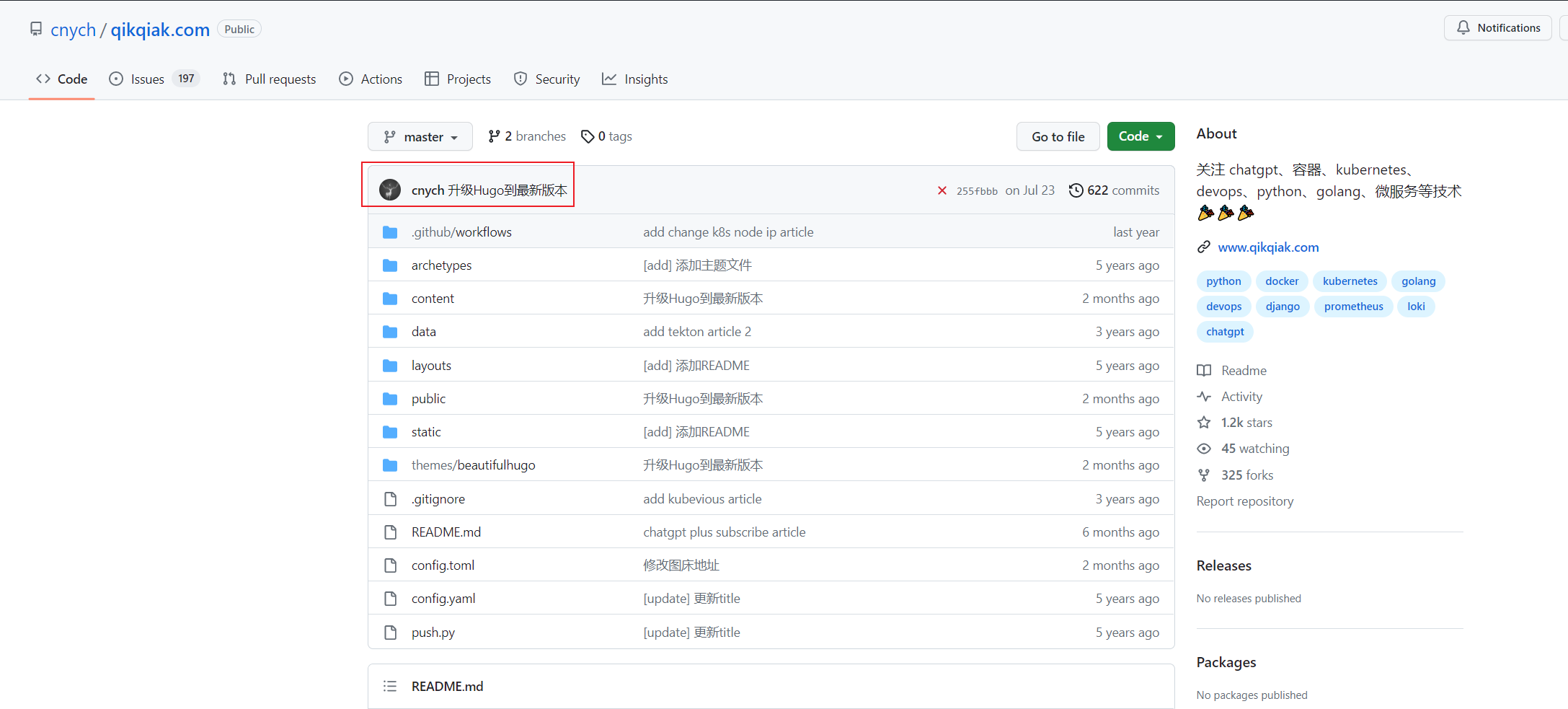
优点知识的hugo博客
2023年9月3日采集

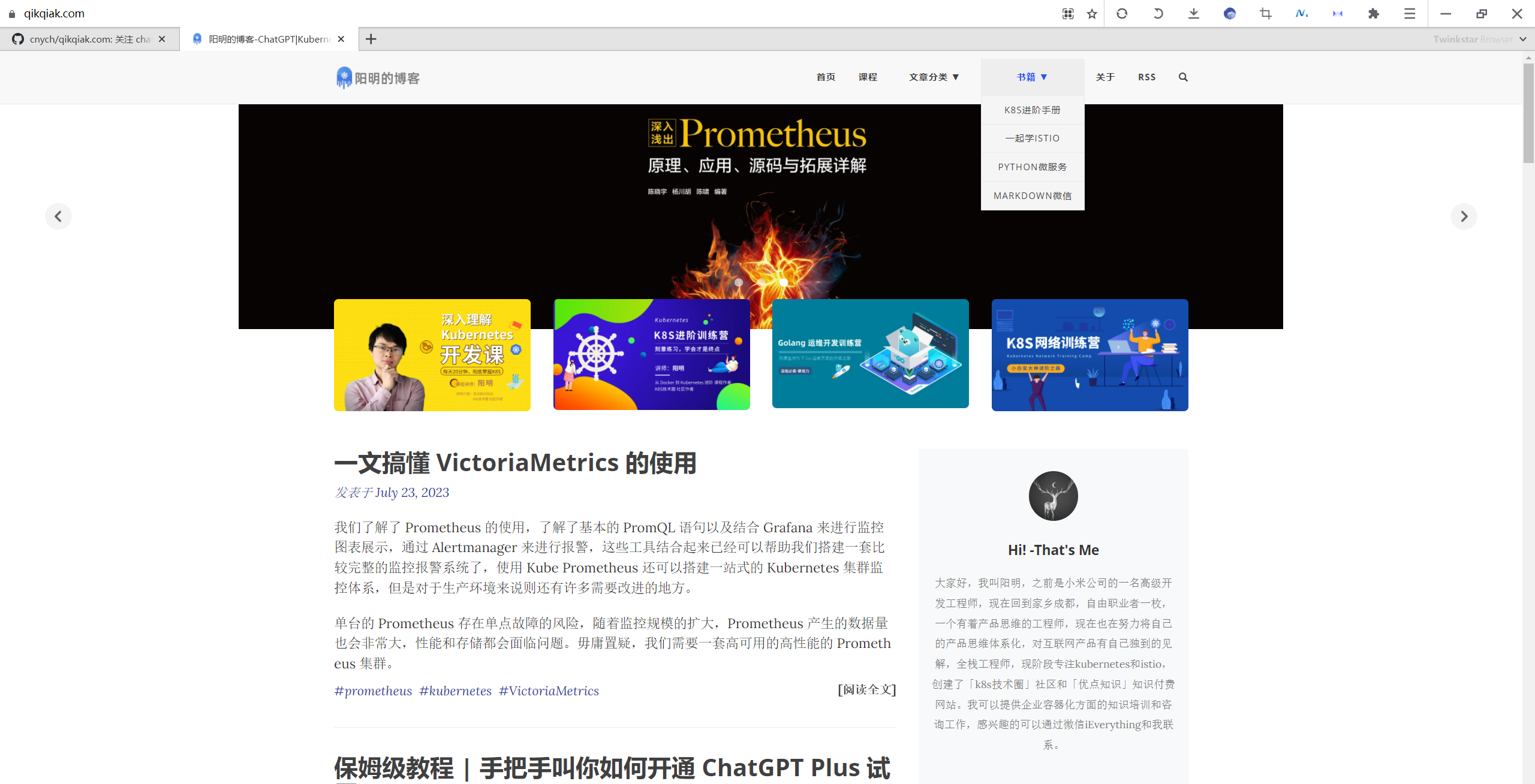
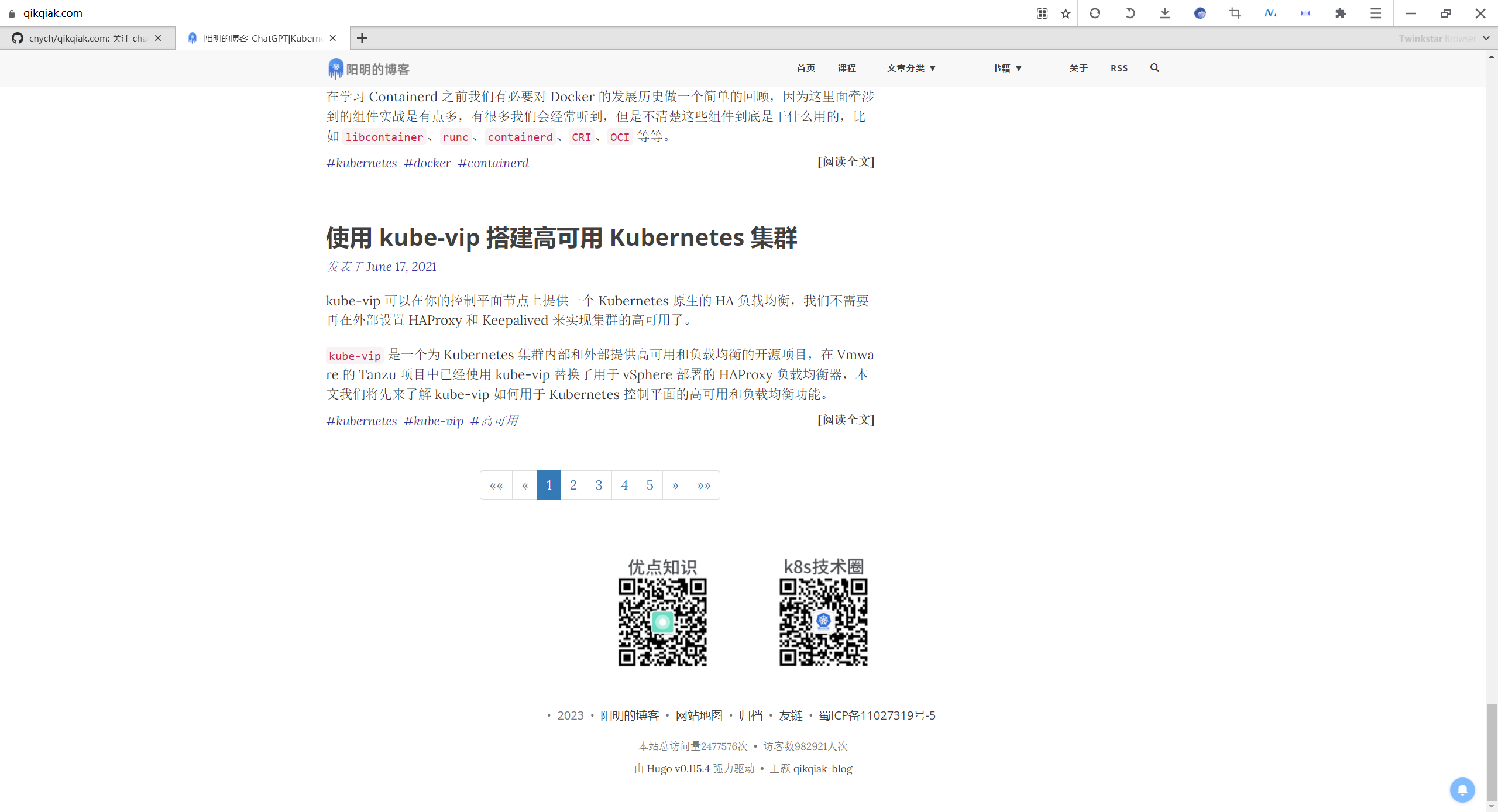
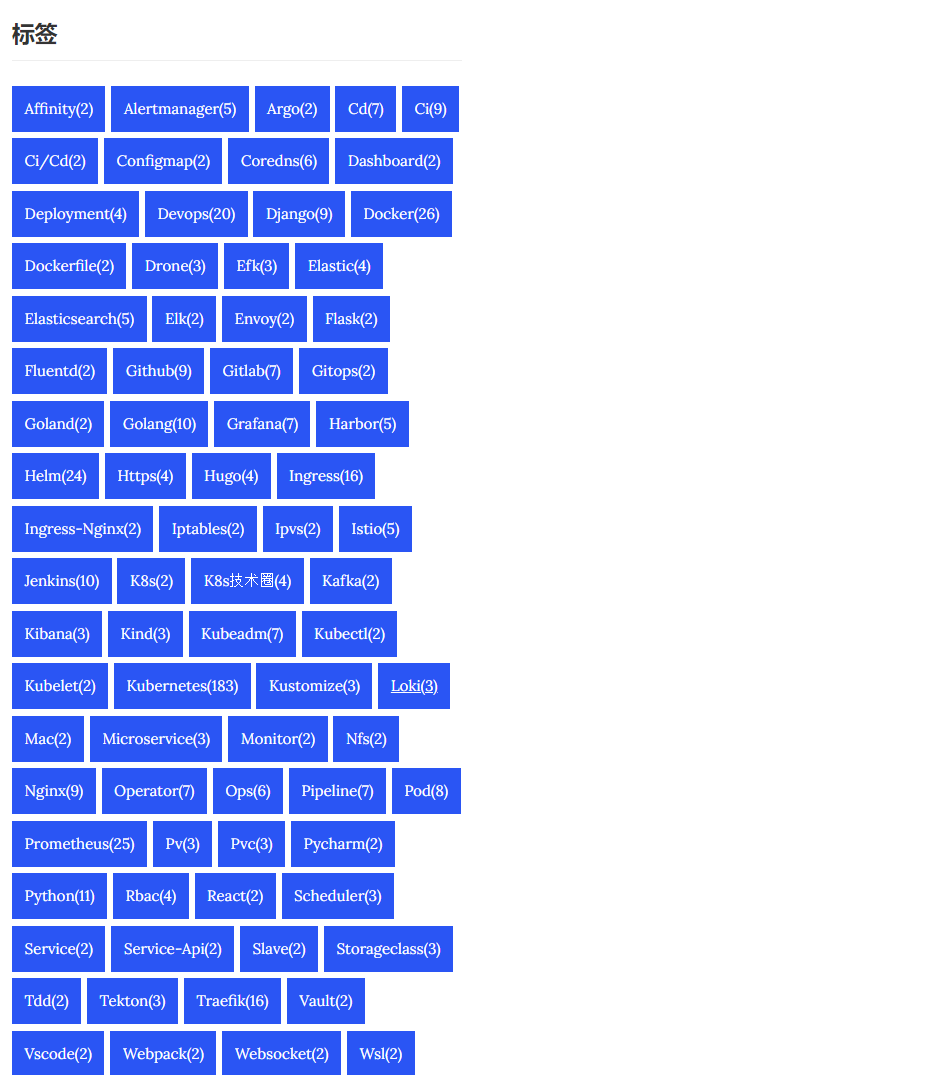
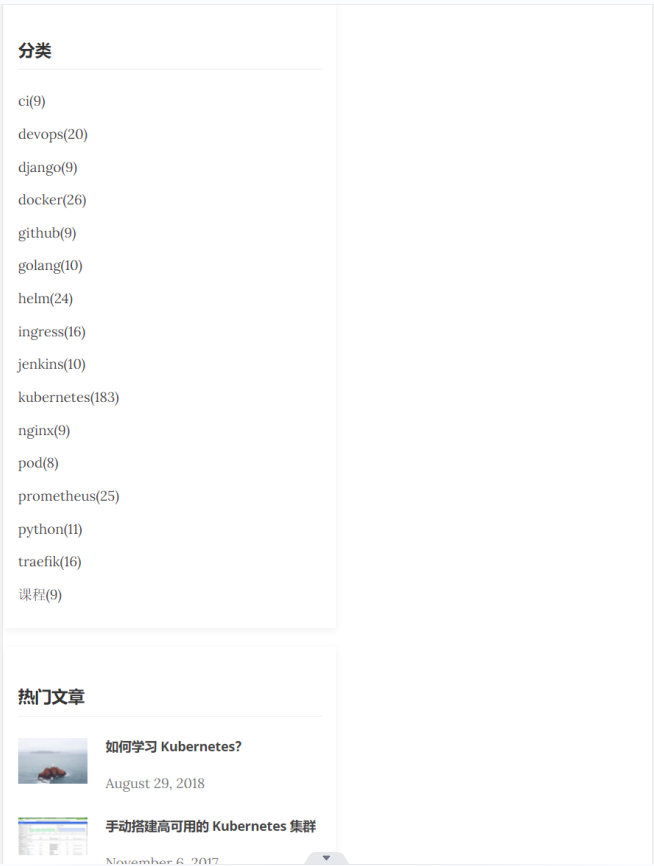
==cnych github仓库==
https://github.com/cnych/qikqiak.com
案例
案例:1w+的文档也是秒构建
2025年3月18日记录。
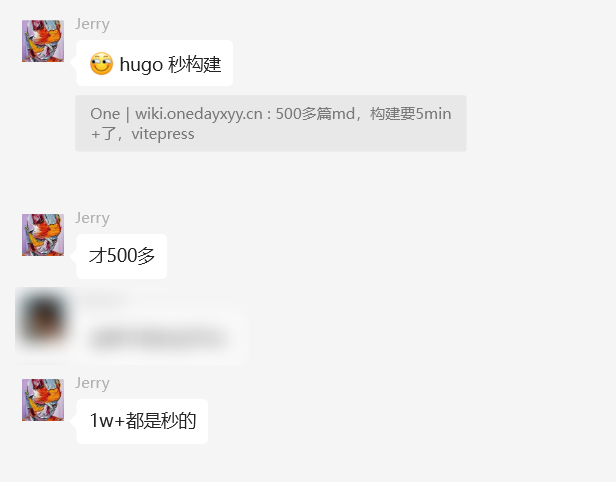
- 背景
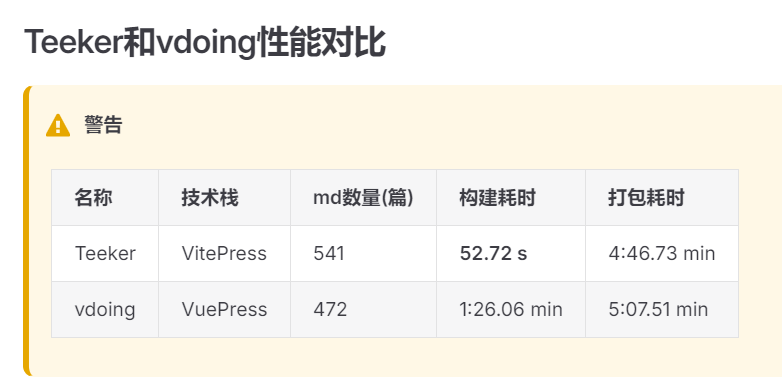
- 案例:


案例:hugo真的快

hugo目录结构

 1hg@LAPTOP-G8TUFE0T MINGW64 /d
 2$ cd hugoblog/
 3
 4hg@LAPTOP-G8TUFE0T MINGW64 /d/hugoblog
 5$ ls
 6archetypes/  config.toml  content/  data/  layouts/  public/  static/  themes/
 71. config.toml
 8  所有的hugo站点都有一个全局配置文件,用来配置整个站点的信息,hugo默认提供了跟多配置指令。
 92. content
10  站点下所有的内容页面,也就是我们创建的md文件都在这个content目录下面。
113. data
12  data目录用来存储网站用到一些配置、数据文件。文件类型可以是yaml|toml|json等格式。
134. layouts
14  存放用来渲染content目录下面内容的模版文件,模版.html格式结尾,layouts可以同时存储在项目目录和themes//layouts目录下。
155. static
16  用来存储图片、css、js等静态资源文件。
176. themes
18  用来存储主题,主题可以方便的帮助我们快速建立站点,也可以方便的切换网站的风格样式。
197. public
20  hugo编译后生成网站的所有文件都存储在这里面,把这个目录放到任意web服务器就可以发布网站成功
218. archetypes
22  Hugo new 创建内容页面的时候预置的内容模板
hugo命令
💧 查看hugo版本
1PS D:\hugoblog> hugo version
2hugo v0.98.0-165d299cde259c8b801abadc6d3405a229e449f6+extended windows/amd64 BuildDate=2022-04-28T10:23:30Z VendorInfo=gohugoio
💧 创建本地站点根目录
 1$ hugo new site hugoblog
 2Congratulations! Your new Hugo site is created in D:\hugoblog.
 3
 4Just a few more steps and you're ready to go:
 5
 61. Download a theme into the same-named folder.
 7   Choose a theme from https://themes.gohugo.io/ or
 8   create your own with the "hugo new theme <THEMENAME>" command.
 92. Perhaps you want to add some content. You can add single files
10   with "hugo new <SECTIONNAME>\<FILENAME>.<FORMAT>".
113. Start the built-in live server via "hugo server".
12
13Visit https://gohugo.io/ for quickstart guide and full documentation.
14
15
16hg@LAPTOP-G8TUFE0T MINGW64 /d
17$ cd hugoblog/
18
19hg@LAPTOP-G8TUFE0T MINGW64 /d/hugoblog
20$ ls
21archetypes/  config.toml  content/  data/  layouts/  public/  static/  themes/
22
23hg@LAPTOP-G8TUFE0T MINGW64 /d/hugoblog
💧 创建第一个测试文件
1hg@LAPTOP-G8TUFE0T MINGW64 /d/hugoblog
2$ hugo new post/first.md
3Content "D:\\hugoblog\\content\\post\\first.md" created
4
5hg@LAPTOP-G8TUFE0T MINGW64 /d/hugoblog
6$ echo "i love you,xyy hurt!" >> content/post/first.md
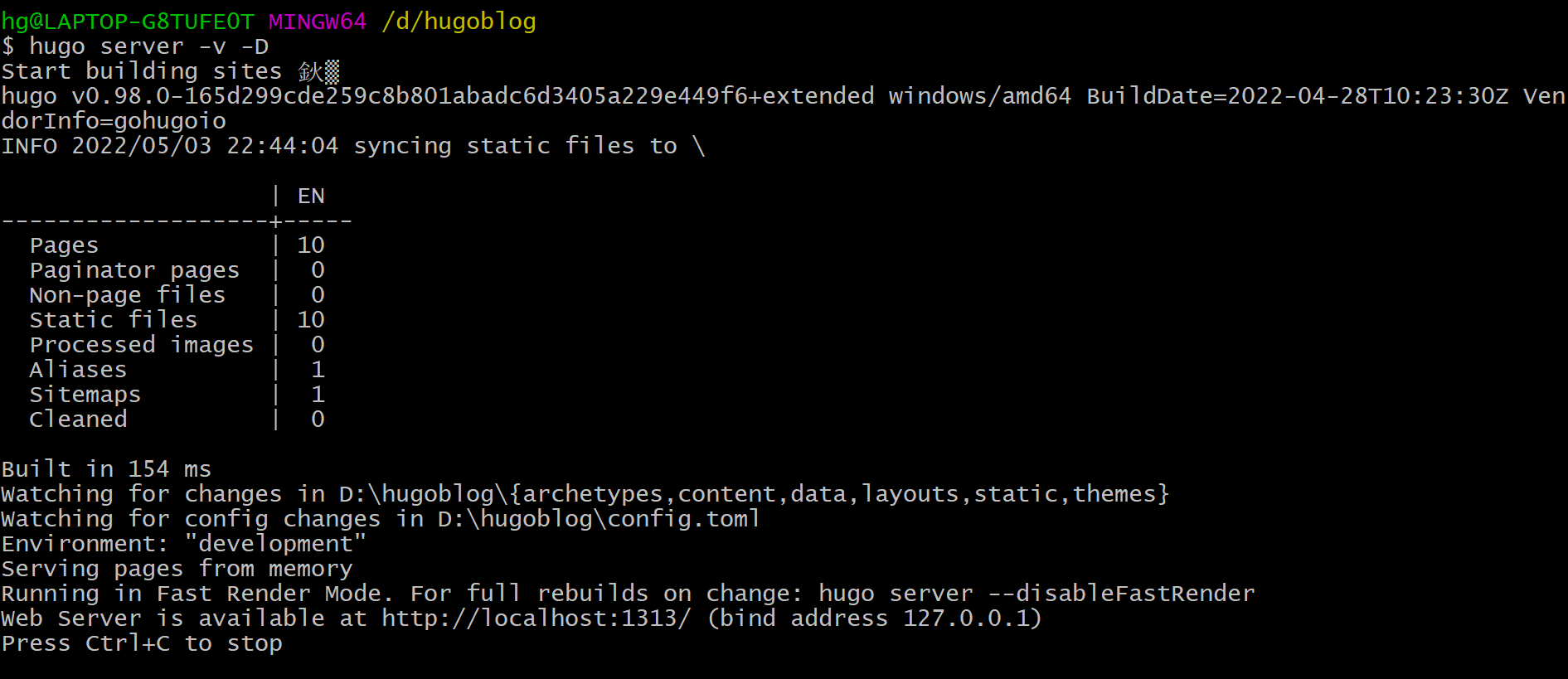
💧 本地预览
1$ hugo server -v -D
2或者
3$ hugo server
4
5#备注
6server      A high performance webserver
7  -v, --verbose                    verbose output
8      --verboseLog                 verbose logging
9-D, --buildDrafts            include content marked as draft
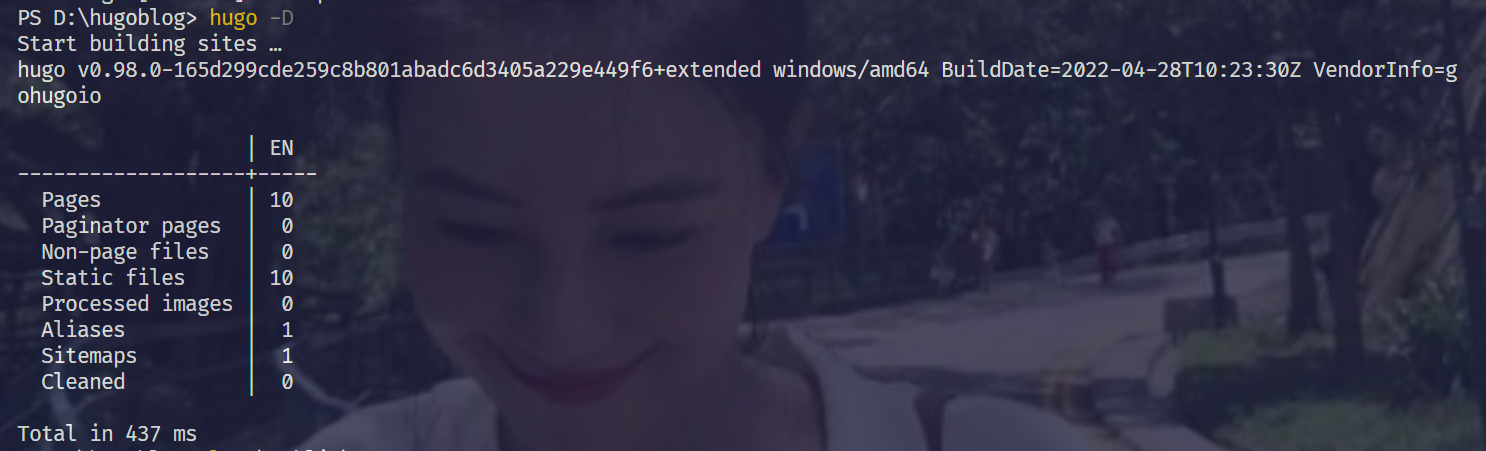
💧 构建数据
1$ hugo -D
2或者
3$ hugo
📡
推荐使用微信支付

推荐使用支付宝